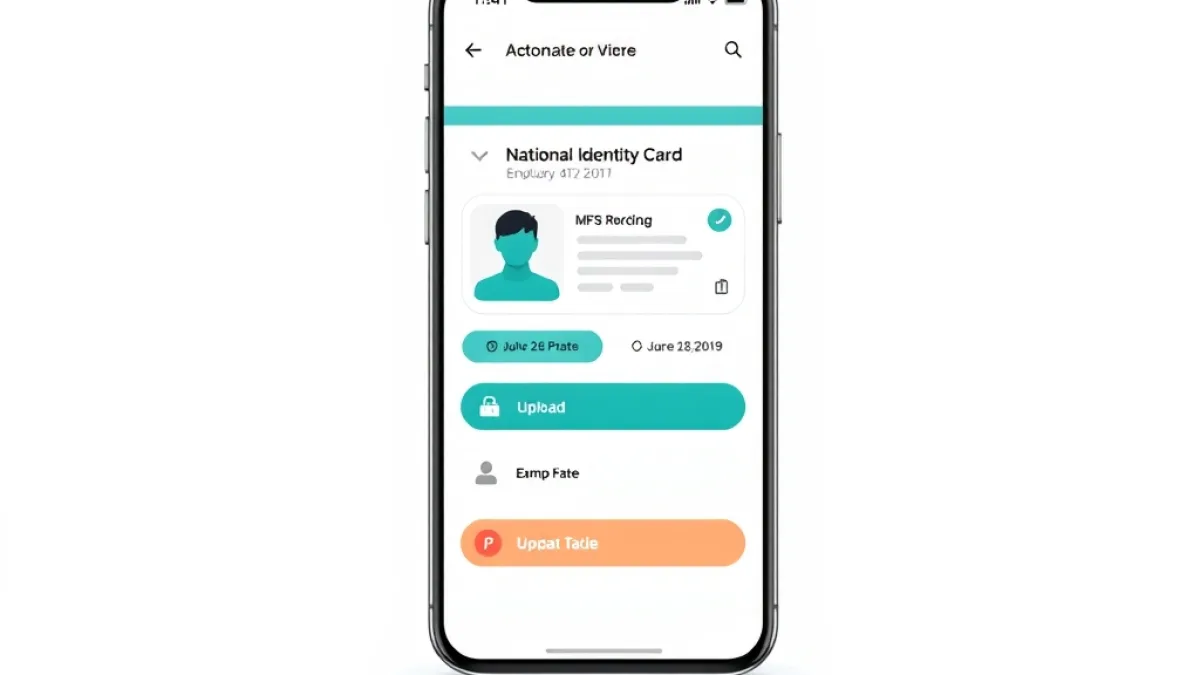
Visiting an identity registration center just to replace an outdated photograph or correct a residential record has long represented a tedious chore for Pakistanis. The National Database and Registration Authority has taken another step to eliminate that friction by allowing individuals to process these modifications entirely online. Through the official PakID mobile app CNIC update service, citizens can now modify both their identity card photograph and their permanent address without stepping into a physical facility.
This digital self-service channel allows applicants to manage identity modifications directly from home. By moving routine changes to mobile screens, the authority aims to simplify the overall Computerized National Identity Card (CNIC) workflow and provide a more practical, user-friendly digital public service.
Remote Identity Revisions Without Visiting Registration Centers
Under the existing setup, making any structural alteration to a national identity document frequently required booking appointments, queuing at physical counters, and dealing with lengthy processing times. By introducing photograph and permanent address modifications to the PakID application, NADRA is allowing citizens to avoid physical branch visits altogether.
The service directly targets two of the most frequent reasons citizens submit revision applications: updating older photographs that no longer reflect an individual's appearance and adjusting permanent addresses following moves or family changes. Applicants can finalize their submissions online, drastically reducing foot traffic at urban and rural centers alike while bringing state identity services directly to users' phones. This evolution aligns with wider initiatives to streamline identity management, similar to recent updates in NADRA guidelines for ID card processing across the country.
Step-by-Step Procedure for Modifying CNIC Records on PakID
The authority has integrated the modification feature directly into the primary interface of the PakID smartphone application. The digital application pathway is structured to guide applicants through submitting their details without complicated navigation.
To process a photograph or permanent address change, applicants can complete the following workflow within the application:
- Sign In to the Platform: Launch the PakID mobile application and log into your registered citizen account.
- Navigate to Identity Services: From the application's home screen, tap the dedicated Identity Card category.
- Select the Beneficiary: Choose whether the modification is for Myself or for My Blood Relatives, depending on whose national identity record requires the update.
- Initiate Card Modification: Select the Update Card option from the available service actions.
- Submit Changes: Enter the revised permanent address details or upload the updated photograph according to the in-app prompts.
- Complete Submission: Review the information and finalize the application process directly within the mobile interface.
This sequential approach ensures that applicants can review changes before submitting them for formal record processing.
Updating Records for Family Members Through Blood Relatives Feature
A notable feature within the PakID update is the choice between modifying one's own identity card or handling the submission on behalf of immediate family members. By including the My Blood Relatives option alongside the standard self-service selection, NADRA enables a single smartphone user to manage card adjustments for their dependents or relatives.
This functionality is particularly practical in households where elderly parents, young adults, or less tech-literate relatives may not operate smartphone applications independently. Rather than requiring every family member to create individual accounts or make personal trips to registration facilities, a relative can handle the record submission directly through their verified profile.
Allowing familial management mirrors similar citizen-centric digital expansions, including automated solutions seen in remote civil registration tools designed to bring state documentation into home environments.
The Broader Push Toward Smartphone-First Citizen Services
The transition toward mobile-first civic administration reflects an operational model where digital infrastructure takes precedence over physical office space. Rather than forcing citizens to accommodate center working hours, government functions are gradually being shifted into self-service portals that run 24 hours a day.
For startup founders, tech builders, and digital product managers watching Pakistan's civic landscape, this shift illustrates how core identity databases are adapting to modern delivery standards. Expanding on capabilities like NADRA digital ID card solutions, moving data modifications to mobile platforms establishes an expectation among everyday citizens for frictionless, on-demand public interfaces.
When state documentation becomes simpler to update, verification pipelines across commercial sectors become significantly more reliable. Tech companies, payment processors, and fintech operators rely directly on accurate citizen identity data for electronic Know-Your-Customer (e-KYC) processes and user onboarding. Removing physical barriers to updating addresses and identification photos means consumer records can remain current, mitigating onboarding failures caused by obsolete documentation.
Details regarding the rollout were initially reported by TechJuice, detailing how the functionality provides an easier path for citizens to maintain up-to-date identification records.
Frequently Asked Questions on Remote CNIC Updates
Can I change both my photo and address at the same time?
Yes. The PakID application allows users to submit requests for updating their photograph as well as their permanent address during the card update workflow.
Do I need to visit a physical NADRA center to submit the update?
No. According to NADRA, applicants can finalize the entire submission process directly from home through the PakID smartphone app without visiting an identity registration center.
Can I update my parents' or children's identity cards through my app?
Yes. The platform provides a dedicated My Blood Relatives option within the identity card workflow, allowing users to process card updates on behalf of their immediate relatives.
Source: TechJuice